Your Mac, with an agent that sees everything.
Saelyx lives on your Mac. It sees your screen, sees you through the camera and hears you—all three at once—then reasons about what's in front of you and answers out loud. It doesn't wait for orders: it works with you.
Status as of 12 October 2026 · already have an account? The download is in your panel: log in and download
It sees, hears and acts while you work.
You share your desktop without stepping away from what you're doing. Saelyx understands every pixel and every word, live.
It sees your screen, live.
Share your desktop and Saelyx reads what's in front of you: a spreadsheet, an error in your code, a contract. It reasons about it and answers out loud, with nothing to copy and paste. Screen reading is Pro.
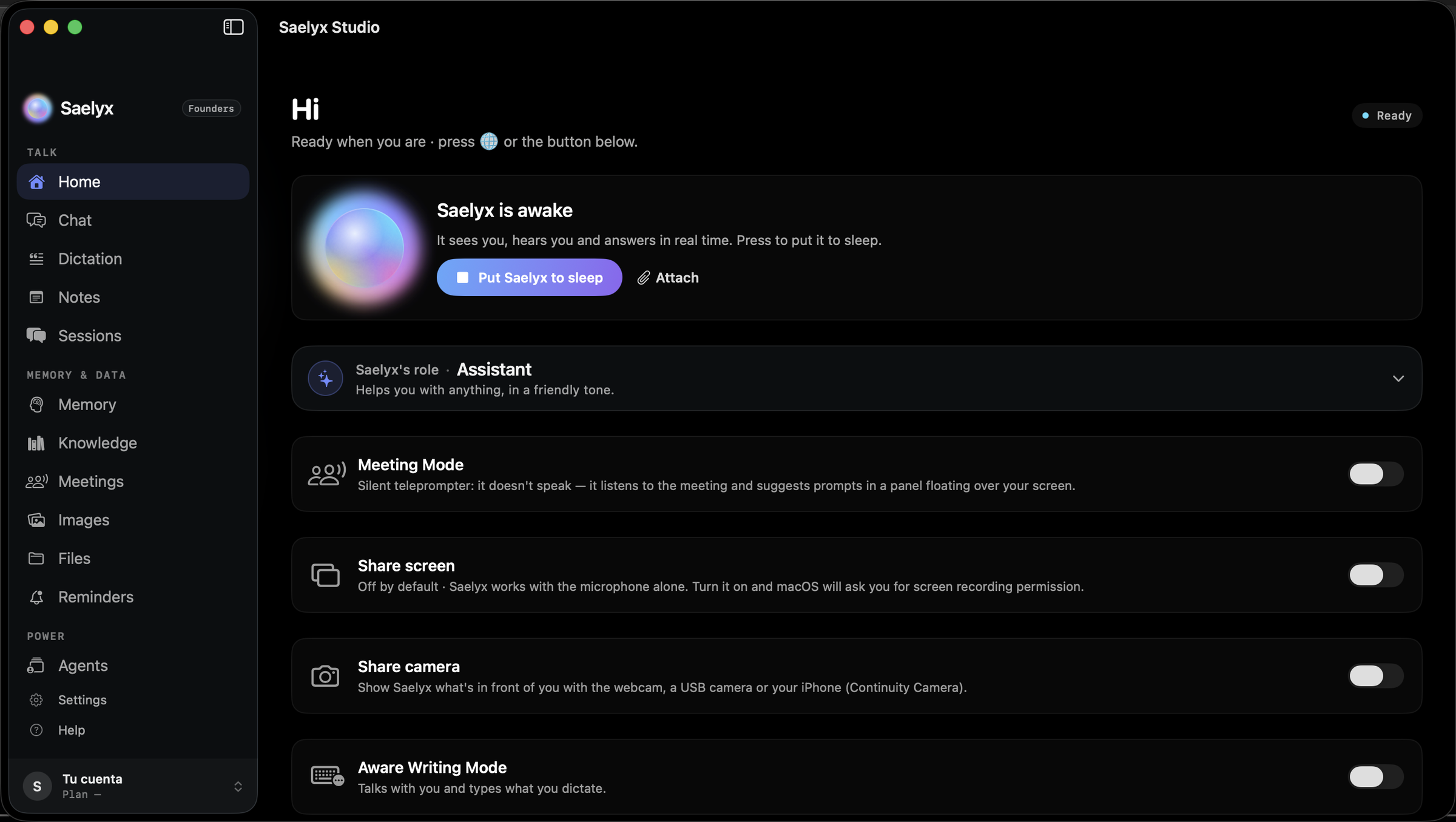
Silent in meetings.
A silent teleprompter: it listens to the meeting and feeds you figures, answers and next steps in a floating panel above any app and, when it's over, hands you the minutes. It stays quiet by default: it only speaks if you wake it. It's Pro.
- Listens to the meeting in real time
- Reasons about the context it sees
- Feeds you the cues, in silence
Dictate and create, with your voice.
Hold the 🌐 key, speak, let go: the text appears in whatever app you're using, and on macOS 26 or later it's transcribed on your own Mac, with no network. And when something formal is called for, it produces PDF, Word, Excel or PowerPoint files dictated out loud, ready to send (Pro).
Runs your apps, by voice.
It opens Excel, Word or PowerPoint and writes in them while you watch; the same in Numbers, Pages and Keynote. It reads, drafts and answers your mail (Outlook or Mail) and types your Teams messages in plain view, sending nothing until you say yes.
It also has its own terminal, a code editor and agents that work in the background. The full list is on All features.
Trademarks of their owners (Microsoft and Apple), cited only to indicate what Saelyx works with.
Permissions are asked for one at a time: the three main ones in the welcome, the rest when needed.
-
Screen Recording
So it can see what's in front of you (Pro) and, in a meeting, hear the others. Frames are processed at the moment and aren't kept to train models.
-
Microphone
So it can hear you and hold a conversation. Audio is processed at the moment and isn't kept to train models.
-
Camera (optional)
So it can see what you show it (Pro). It only turns on when you turn it on.
These are the three main ones. Depending on what you use, macOS may ask for a few more —Accessibility for the 🌐 key, Speech Recognition, Calendars or Automation, for example—: see the full list and what each one is for. The exact details of what is kept are in the privacy policy.
Notarized and always up to date.
- System
- macOS 13 Ventura or later (dictation with no network: macOS 26 or later)
- Processor
- Apple Silicon and Intel
- Connection
- Internet for the live agent
- Account
- Logged in; the download is in your panel
Try it on your Mac.
Access is by invitation. Ask for it and, with your account, download it from your panel.