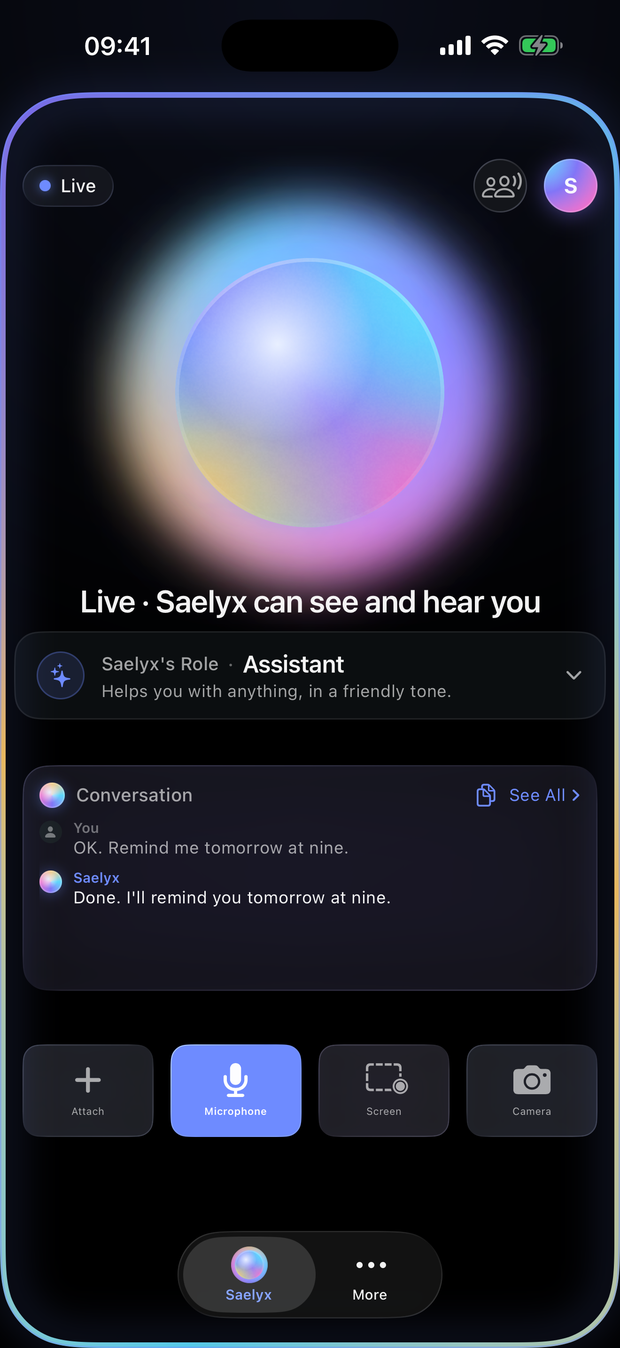
Screen
It reads what's in front of you while you work.
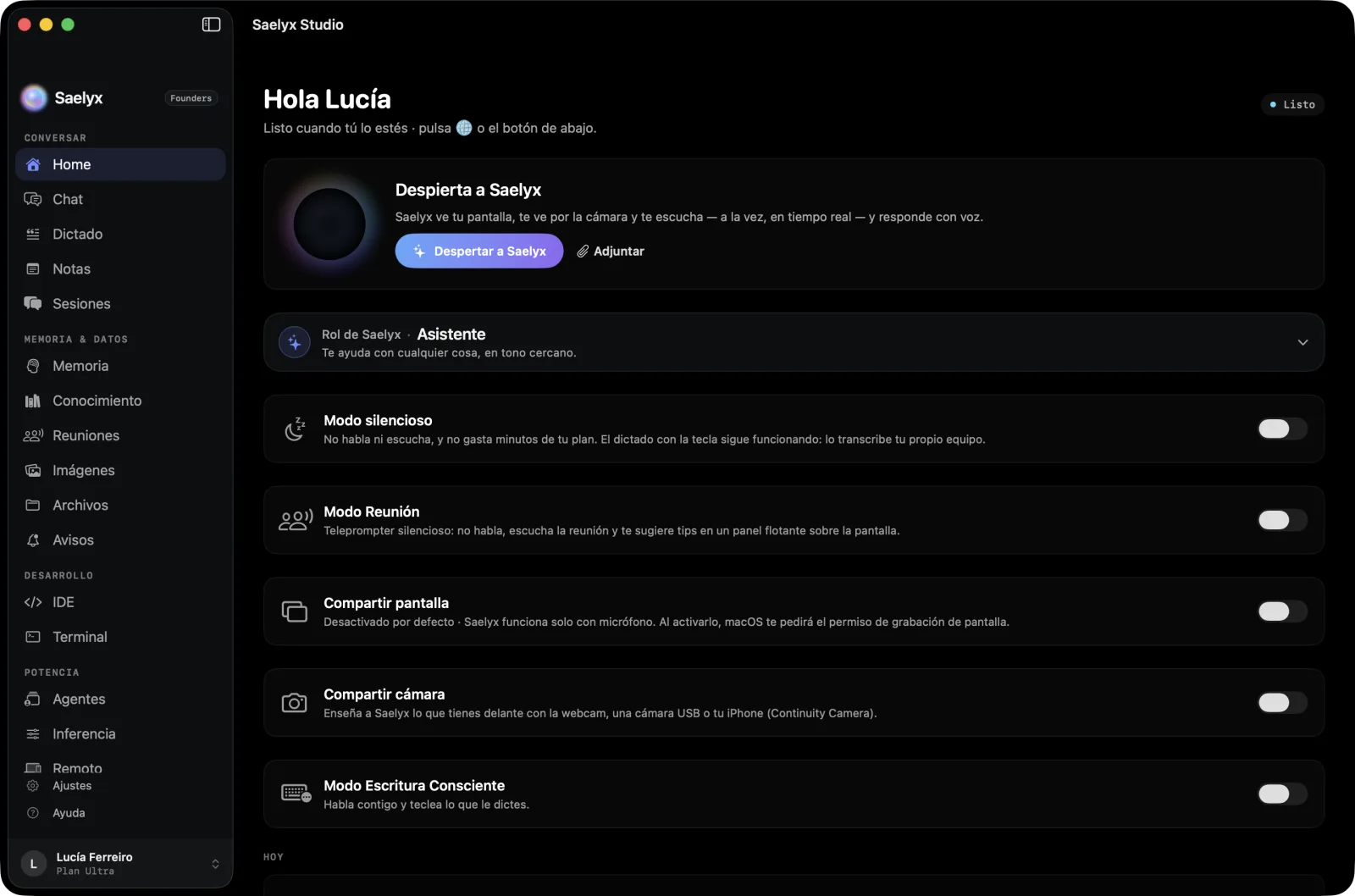
A voice agent that sees your screen and your camera while you talk to it, and works with you in your apps, your meetings and your Odoo or Jira. Live.
Example conversation
Summarize what's on screen and tell me what I still need to reply to.
You have three unanswered emails. María's email asks for the delivery date. Shall I draft the reply?
Note in Jira that issue 42 is blocked by the deployment.
I'll prepare the comment and the change to Blocked. You confirm before I send it.
I'm joining a meeting in five minutes. Can you sit in with me, quietly?
Yes. I'll feed you what to say in the floating panel and, when it's over, I'll hand you the minutes.
Built with

Anthropic's Claude models run through Amazon Bedrock. Trademarks of their respective owners, shown only to name the technology Saelyx uses.
It reads what's in front of you while you work.
You show it something and it understands it instantly.
You press once and talk naturally.
Other agents do one thing at a time. Saelyx reasons about all three as a single situation, in real time.
It goes to the meeting with you without speaking: it feeds you what to say in a floating panel and, when it's over, hands you the minutes.
Meeting documents, background notes and a mini chat to ask it without speaking.
Four kinds of minutes —generic, sales discovery, technical standup and HR interview— that on the Mac you edit, export to PDF or Markdown and merge.
Dictation example: “I confirm the meeting on Thursday at ten. I'll send you the summary this afternoon.”
Hold. Speak. Release.
Hold the globe key, speak and let go: the text appears in whatever app you're using.
On macOS 26 or later it's transcribed on your own Mac, with no network.
Excel, Word, PowerPoint, Numbers, Pages and Keynote.
Your mail (Outlook or Mail), Teams, the terminal and a code editor.
It asks before sending or deleting.
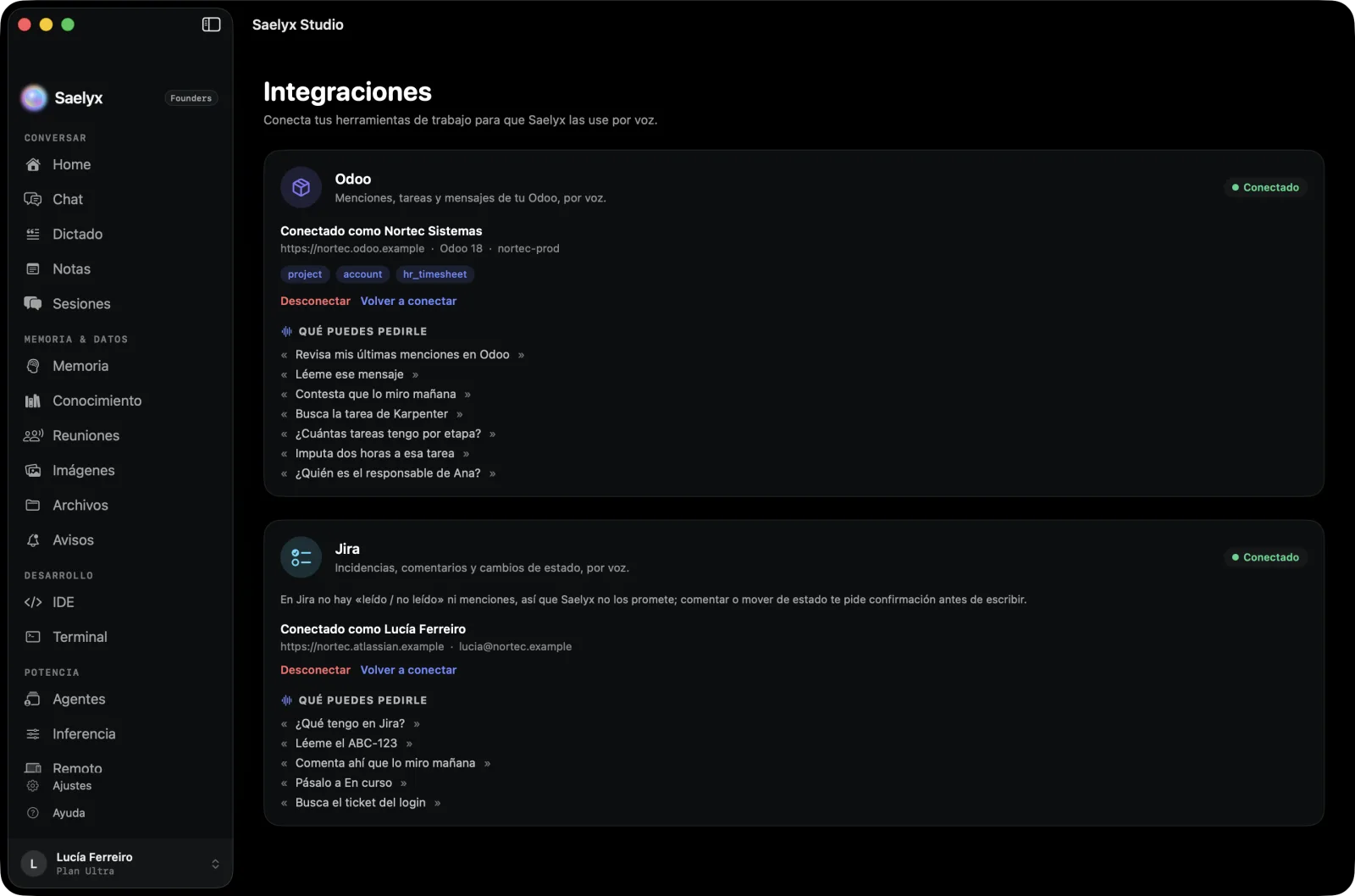
Odoo. Your inbox and mentions, up to date. Search tasks, opportunities, tickets, contacts and quotes; post notes, create tasks and subtasks, and log hours.
Jira. Your pending issues at a glance. Comment and change status without opening Jira. Whatever it writes, you confirm.
And your desktop assistant can also read what you have in Saelyx, only with the permissions you give it.
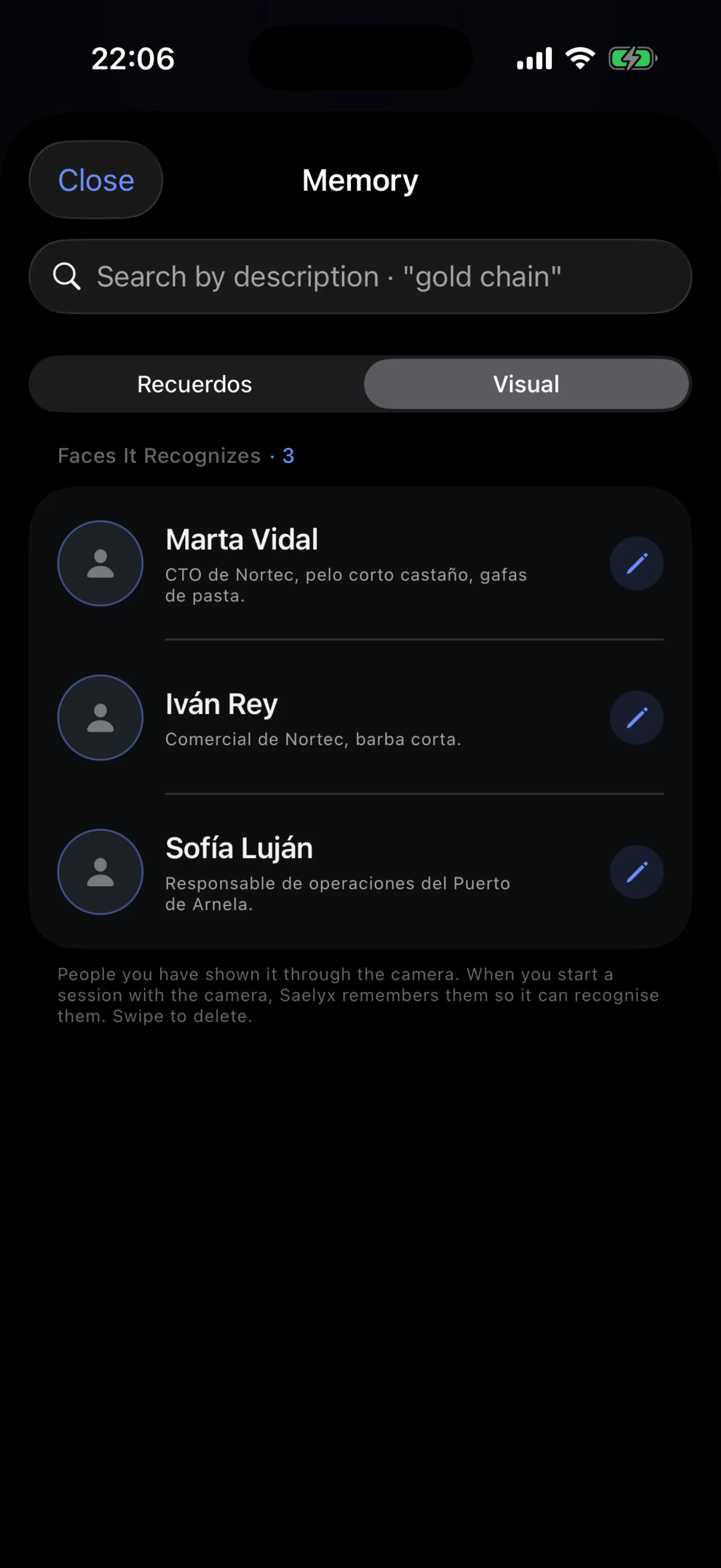
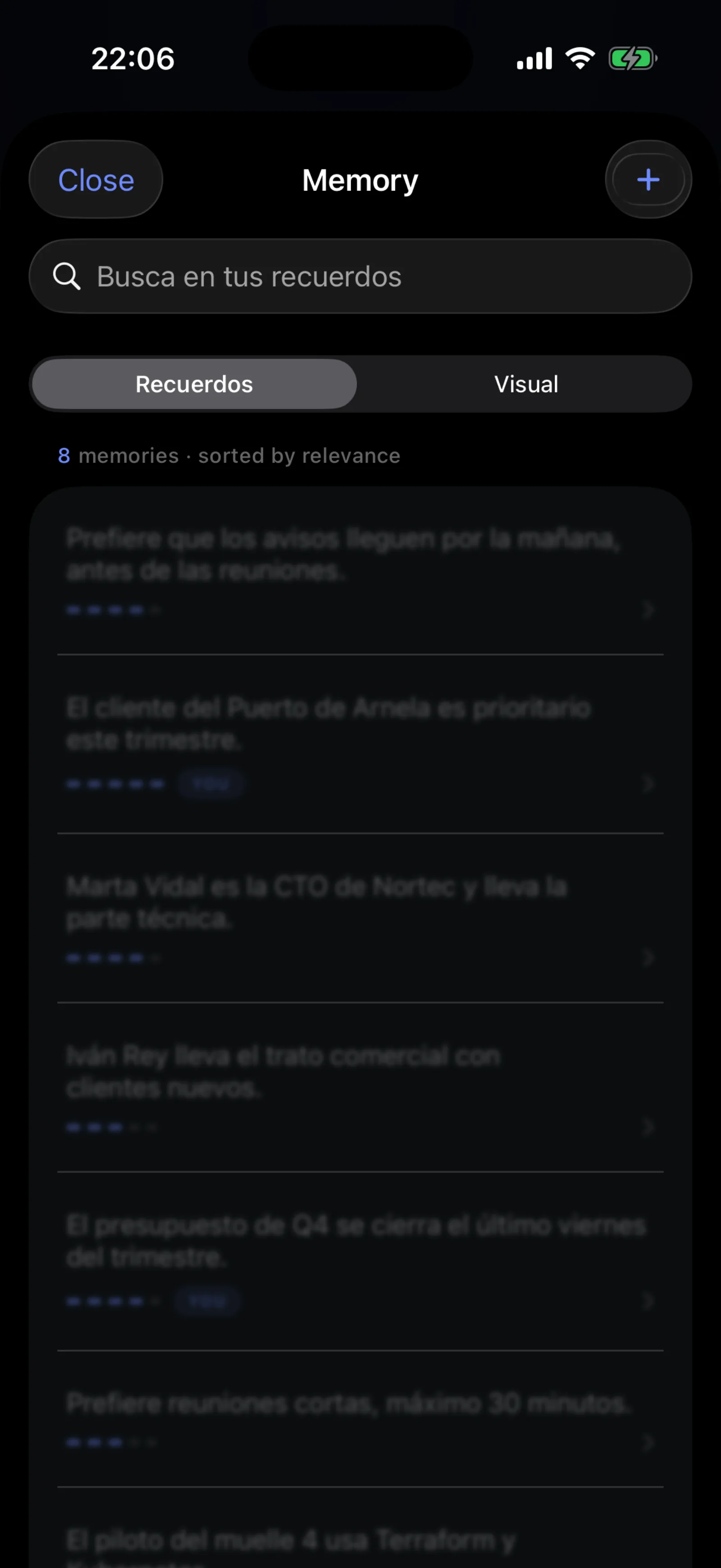
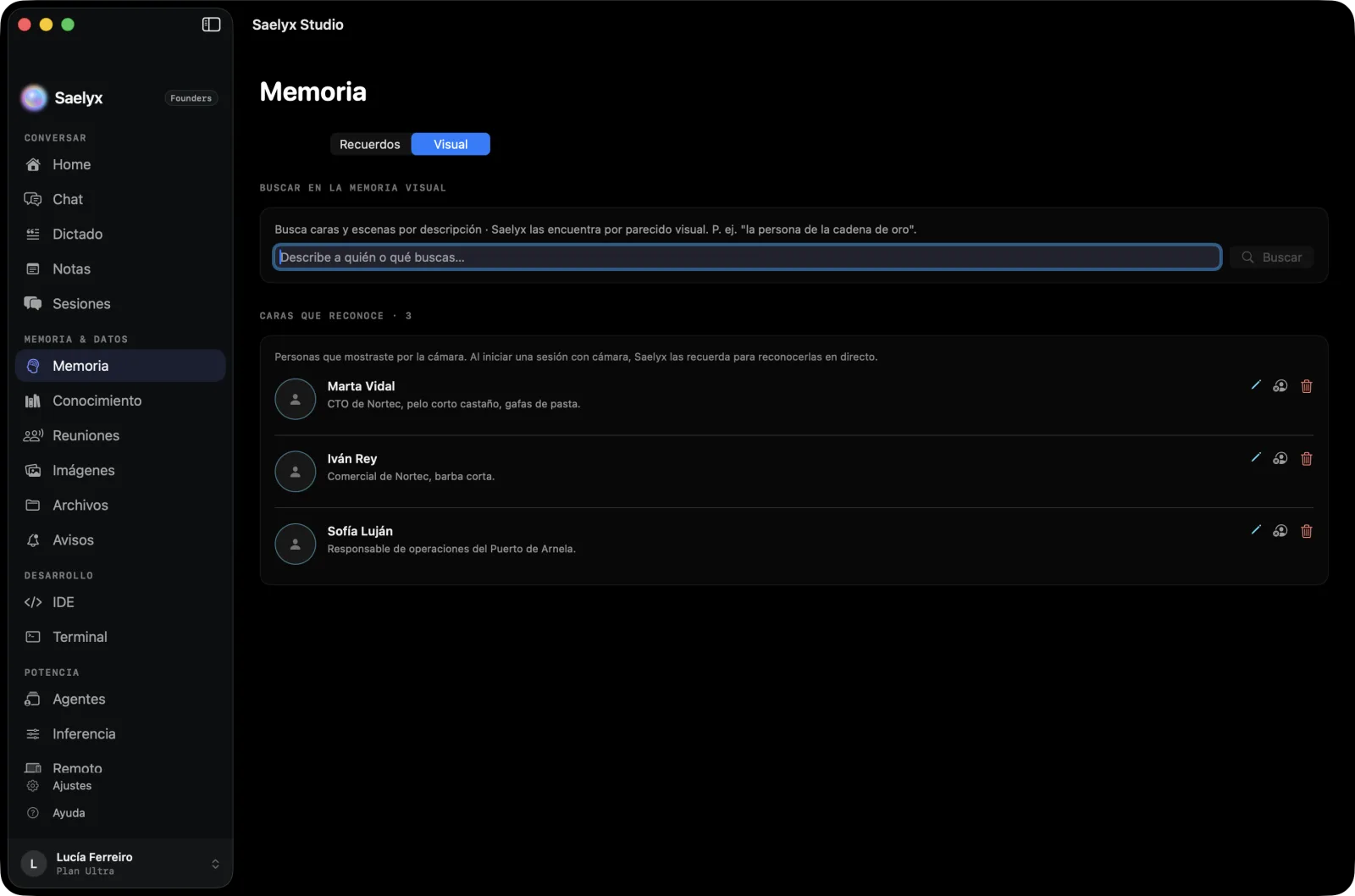
Memory you can see, edit and delete, by voice too. A knowledge base that answers citing the source.
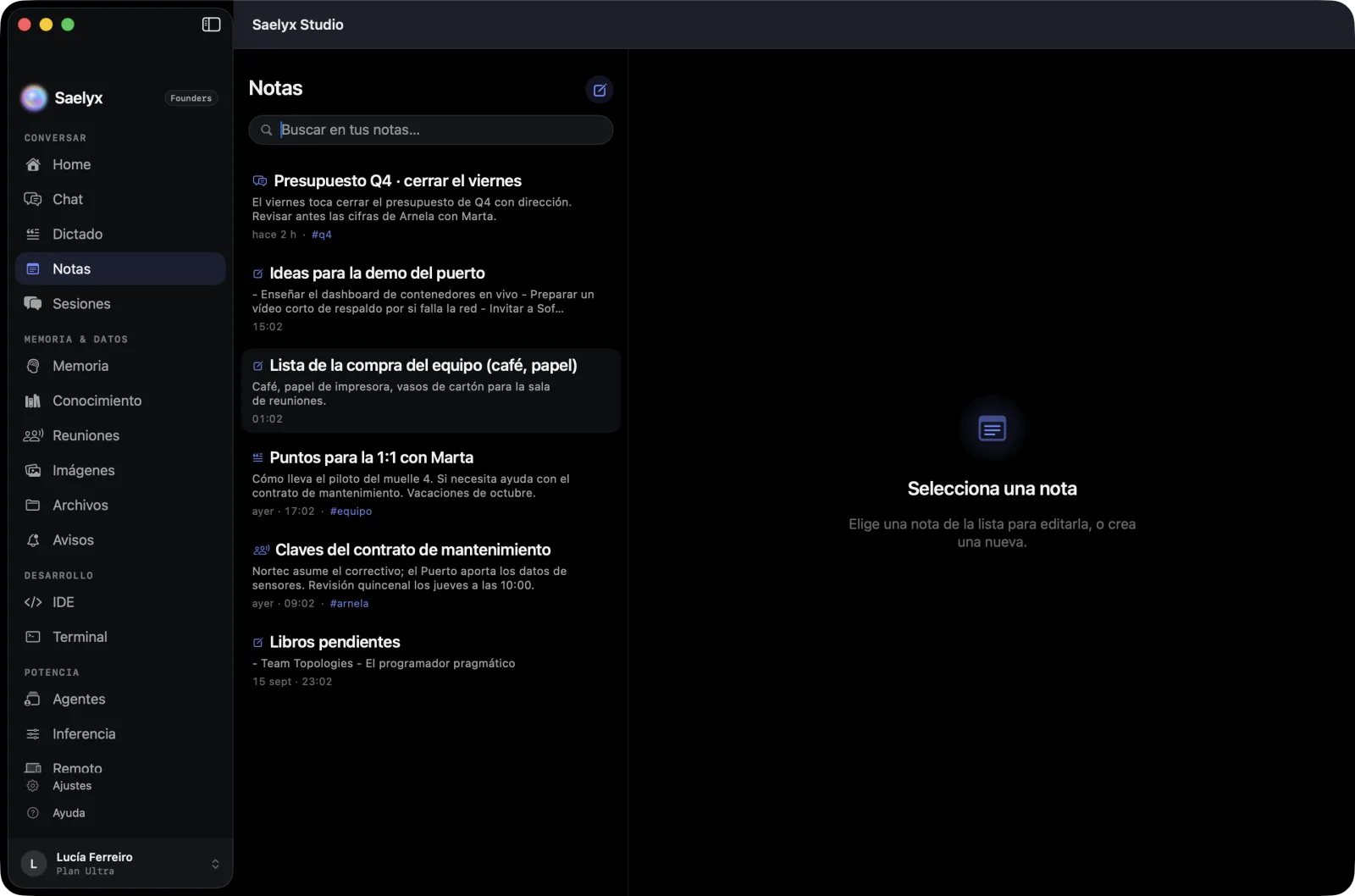
Notes synced between the Mac and the iPhone.
Apple Watch, with your iPhone within reach. Live Activity and the Dynamic Island.
From the usual assistant to 14 specialists. Its own voice and the assistant's name. Pronunciation dictionary. The new voice is more natural and expressive.
Saelyx reads to you aloud. Pro only.
It practices with you and explains the why in one line.
If you switch it on and give your consent, which you can withdraw, it remembers faces and scenes.
With Whisper Mode, Siri and Shortcuts, the Action button and the Quick dictation widget.
Privacy
When you share your screen or open the camera, Saelyx reads the text on your own device and only that text travels to the voice engines. Video is never streamed.
But when you ask it to look at what is in front of you, the image does leave your device: it is uploaded to your account's own space and sent to the model that describes it, which runs in the European Union (Ireland). It is reachable only from your account and is deleted when you delete it.
What it sees and hears is processed at the moment and is not kept to train models.
Your data is stored encrypted on servers in Europe, tied only to your account.
No advertising. We do not sell your data or hand it to third parties to profile you.
Before doing anything that cannot be undone, Saelyx asks you to confirm.
macOS turns on its own system indicator whenever the microphone is active. We do not control it and no application can switch it off.
Full privacy policy€0 forever
€9.99 a month
VAT included.
See all the plan detailsThe app is a free download, but using it requires an approved invitation.
Request access